
Interaction design
How the interface behaves on click, while loading and on error.
In short We design how the interface behaves as well as how it looks: states, transitions, feedback, animation with a purpose. It's the difference between a UI that works and one that feels good to use.
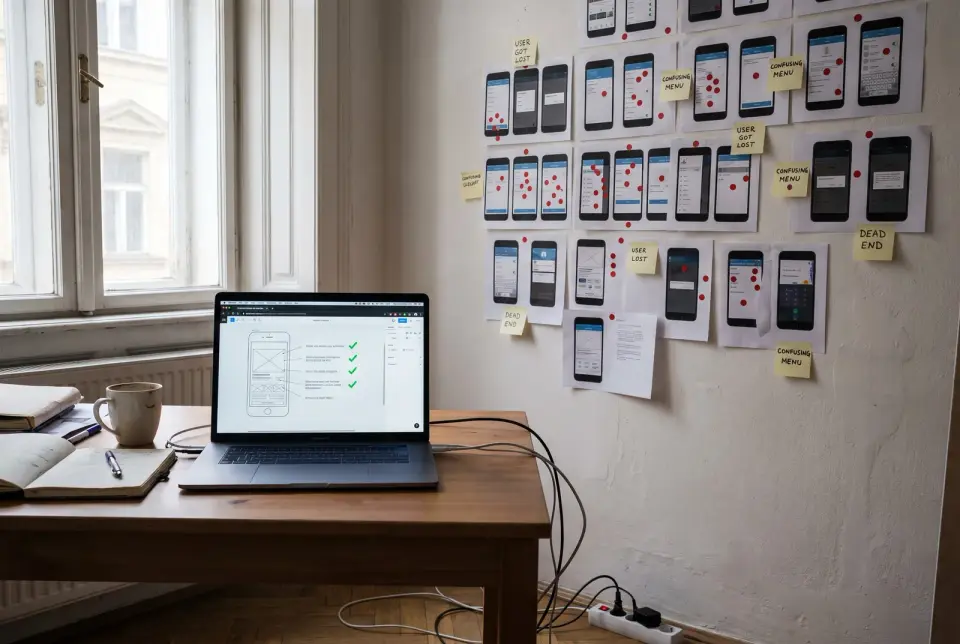
How we workFor every screen, we write down what happens after a click and what loading, an empty list and an error look like. Transitions are designed with a purpose and tested right away with reduced motion switched on. We check the behavior on a live, working prototype.
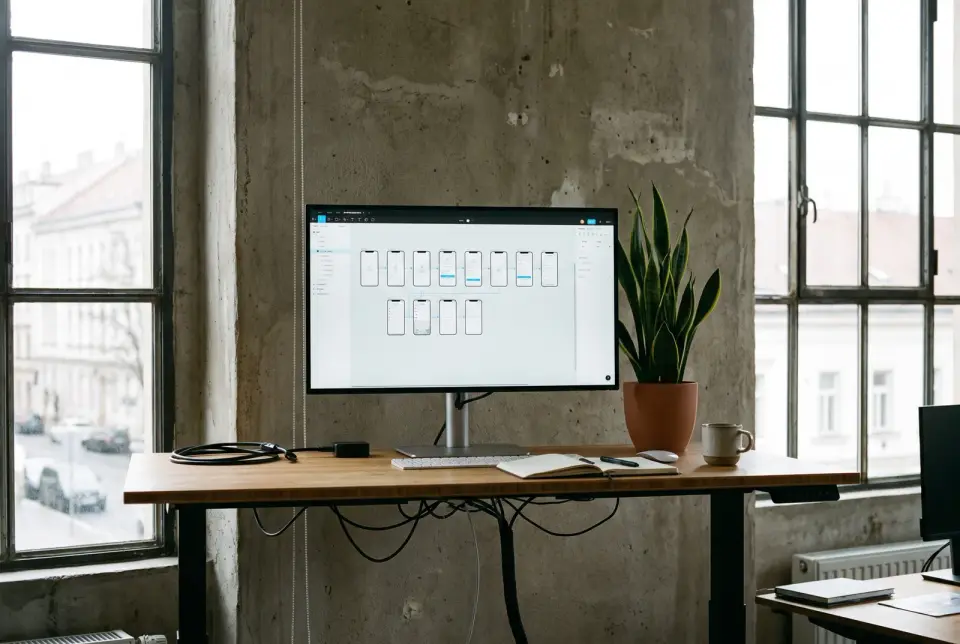
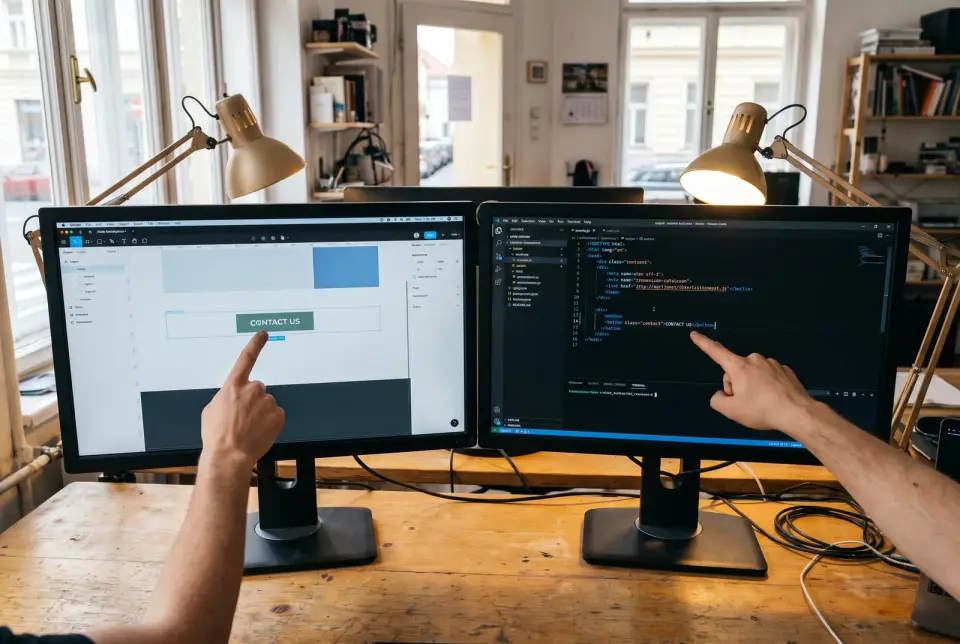
What you getA state-by-state description of interface behavior, covering loading, empty lists, errors and confirmations, with timing and transition type spelled out for every animation. Developers can build from it directly, with no guessing about how a button should behave while it waits on the server.
What's included
- Loading, error and empty screens
- Animation that means something
- Respects the reduce motion setting
- Every behavior spelled out